

Your Success, Our Mission!
6000+ Careers Transformed.
Event Handling is the process of responding to user actions on a webpage.
Common events:
3 Steps:
Basic Code Example
| let btn = document.querySelector("button"); btn.addEventListener("click", () => { alert("Button Clicked!"); }); |
Technical Example
| document.querySelector("input").addEventListener("input", (e) => { console.log(e.target.value); }); |
1. Add to Cart Click
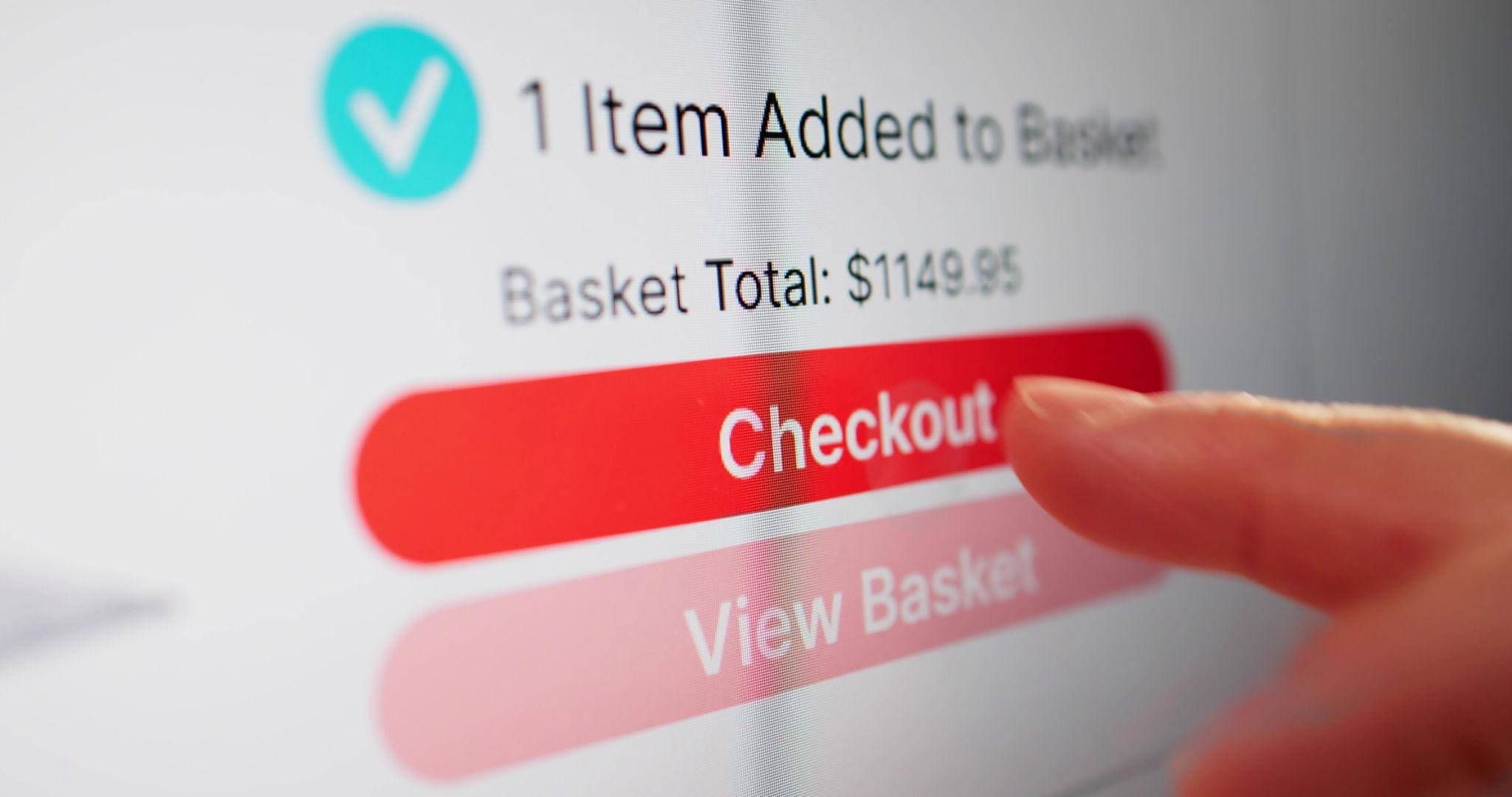
User clicks button → product added
| btn.addEventListener("click", addToCart); |
2. Typing in Search Bar
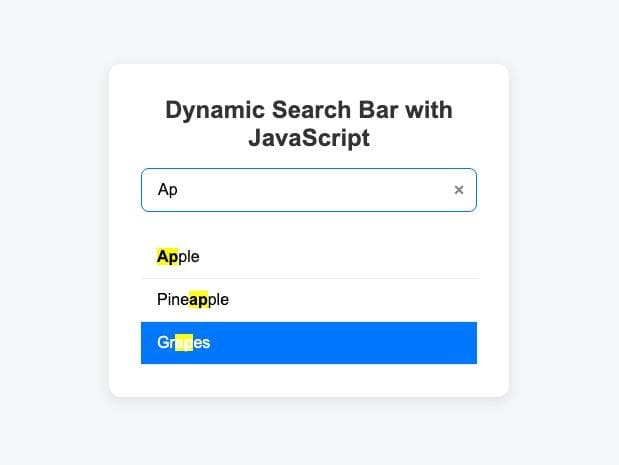
Every keystroke triggers event
| input.addEventListener("input", searchFunction); |
3. Form Submission
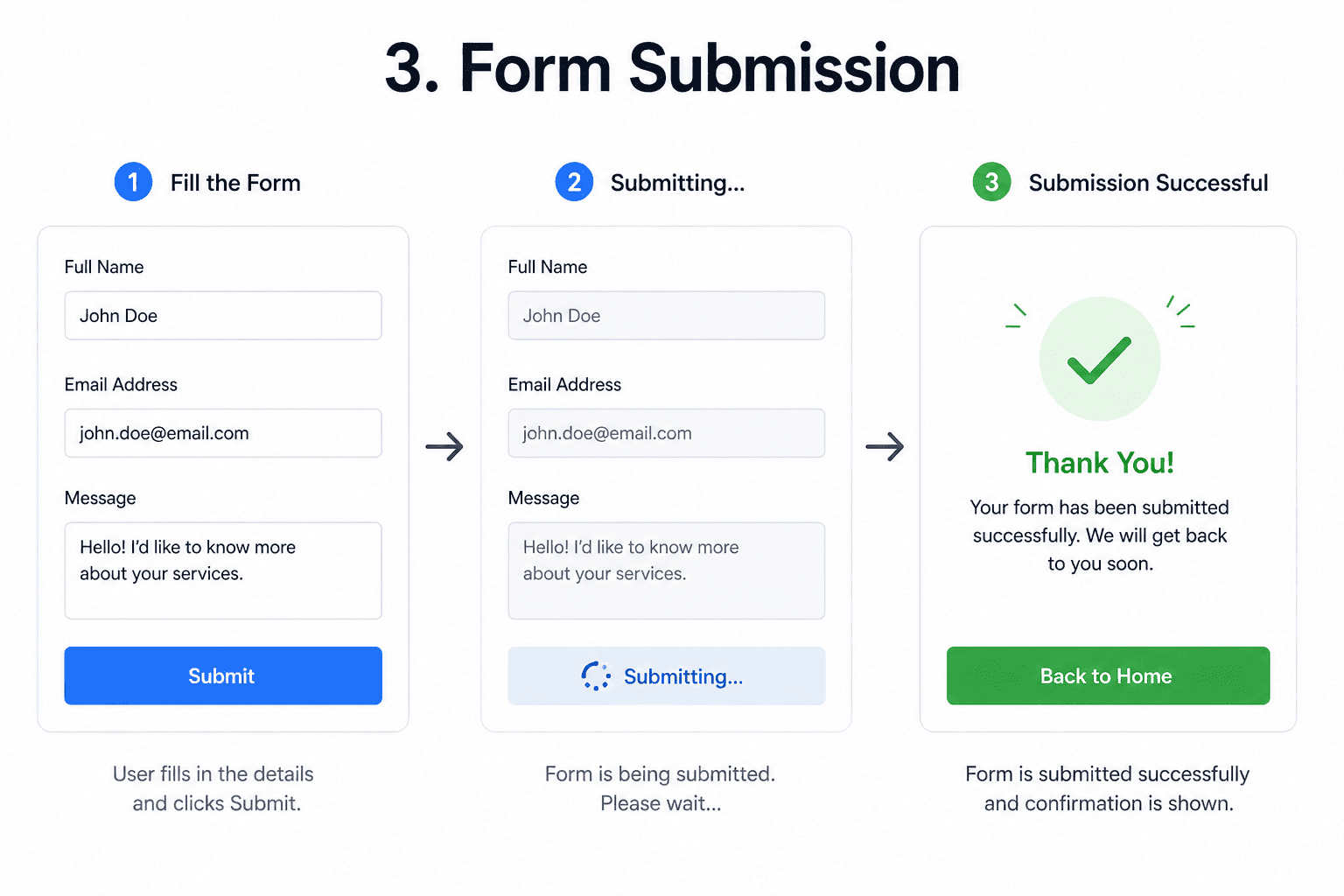
| form.addEventListener("submit", (e) => { e.preventDefault(); }); |
Prevents page reload & handles data
What is an event object?
Contains details about the event (target, type, key, etc.)
How to stop propagation?
| e.stopPropagation(); |
“Event handling allows JavaScript to respond to user interactions like clicks, typing, and submissions to make web pages interactive.”
Top Tutorials

CNN in Deep Learning 2026
A beginner-friendly guide to CNNs: understand deep learning essentials, create Python-based models, and explore advanced applications.
Breaking The Limits: Scaling Databases with MySQL Partitioning
Learn MySQL partitioning with examples. Improve query performance, scalability, and data management using RANGE, LIST, HASH, KEY, and composite techniques.
ML in Action: Hands-On Guide to Deploying and Serving Models
Learn model deployment and serving—from concepts to real-world architectures, tools, APIs, containers, and cloud workflows for production-ready ML.

 in Bengaluru, India



All Courses (6)
Master's Degree (2)
Professional Certifications (4)
Ideal for working professionals and graduates
Outcomes: 5-40 LPA Job + Masters Degree

 What is Event Handling?
 in Bengaluru, India