

Your Success, Our Mission!
6000+ Careers Transformed.
The Document Object Model (DOM) is a structured representation of an HTML document as a tree of objects (nodes).
It allows JavaScript to:
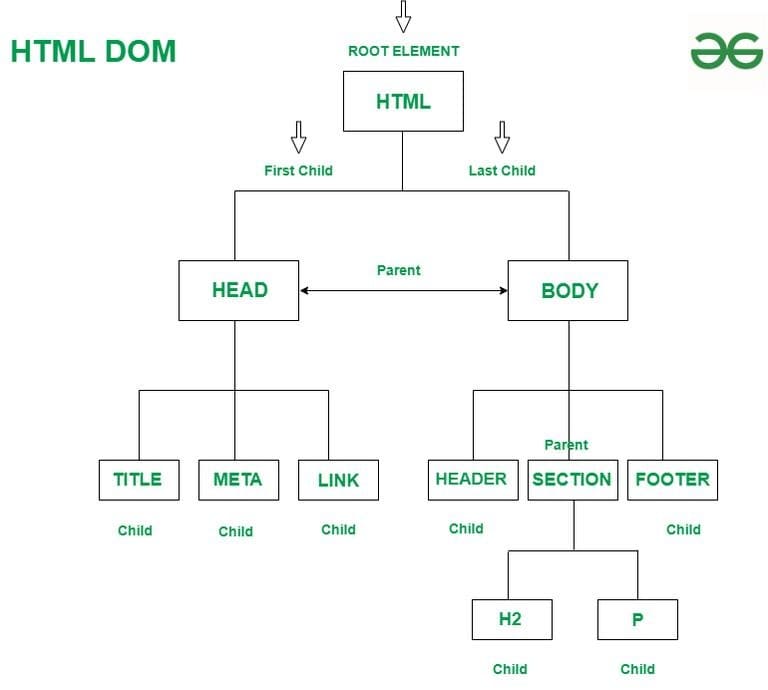
Each element becomes a node in a tree-like structure:
| <html> <body> <h1 id="title">Hello</h1> <p>Welcome</p> </body> </html> |
| let heading = document.getElementById("title"); console.log(heading); |
Technical Example
| document.querySelector("h1").textContent = "DOM Mastery!"; |
What happens internally:
Real Life Example / Use Case
1. E-commerce “Add to Cart”
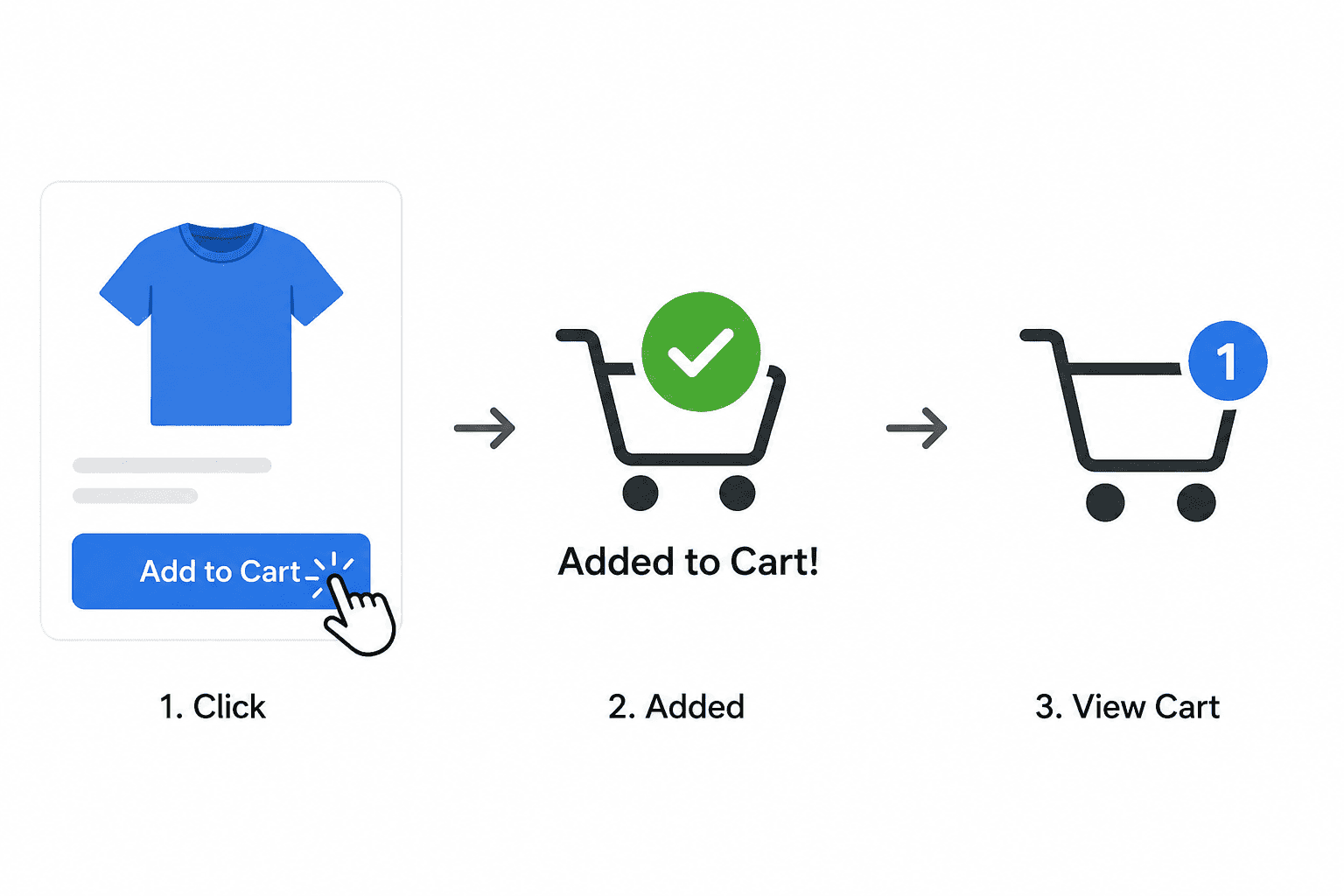
When a user clicks “Add to Cart”:
DOM Role:
JavaScript modifies elements like cart count, product list, and price dynamically.
Interview Line:
“DOM enables real-time UI updates like cart count without page reload.”
2. Form Validation
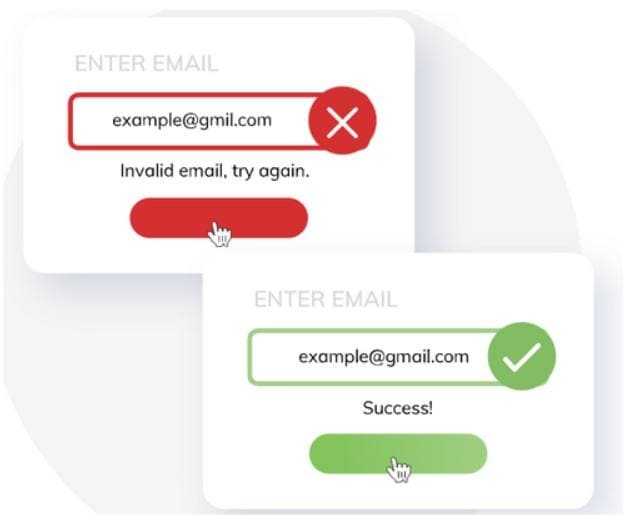
When you enter wrong input:
DOM Role:
Access input fields, validate data, and update error messages dynamically.
| let email = document.querySelector("#email"); if (!email.value.includes("@")) { document.querySelector(".error").textContent = "Invalid email!"; } |
Interview Line:
“DOM is used to validate inputs and show instant feedback to users.”
3. Live Search 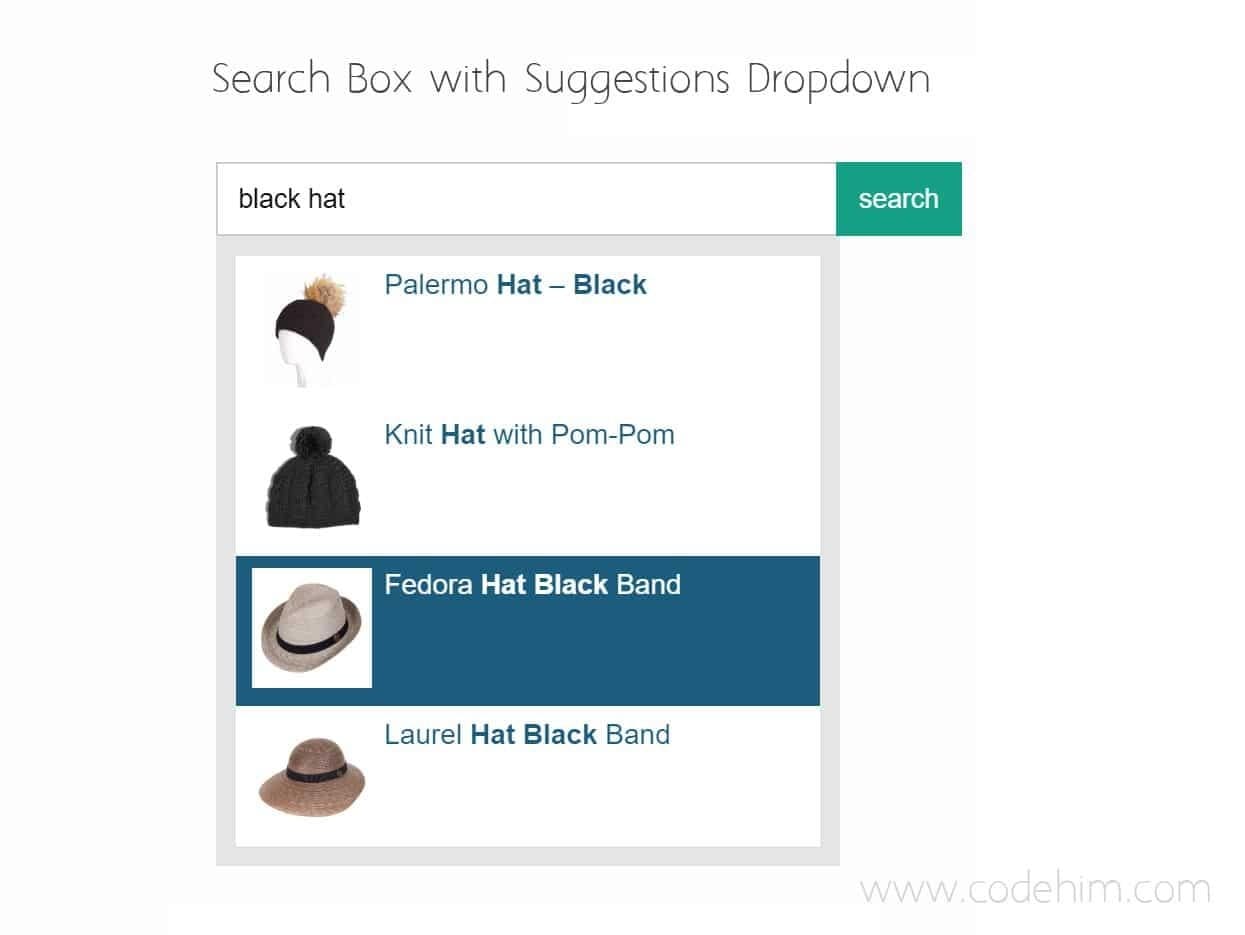
While typing in a search bar:
DOM Role:
| input.addEventListener("input", () => { // update suggestions dynamically }); |
Interview Line:
“DOM helps build dynamic features like live search by updating UI on every keystroke.”
4. Dark Mode Toggle 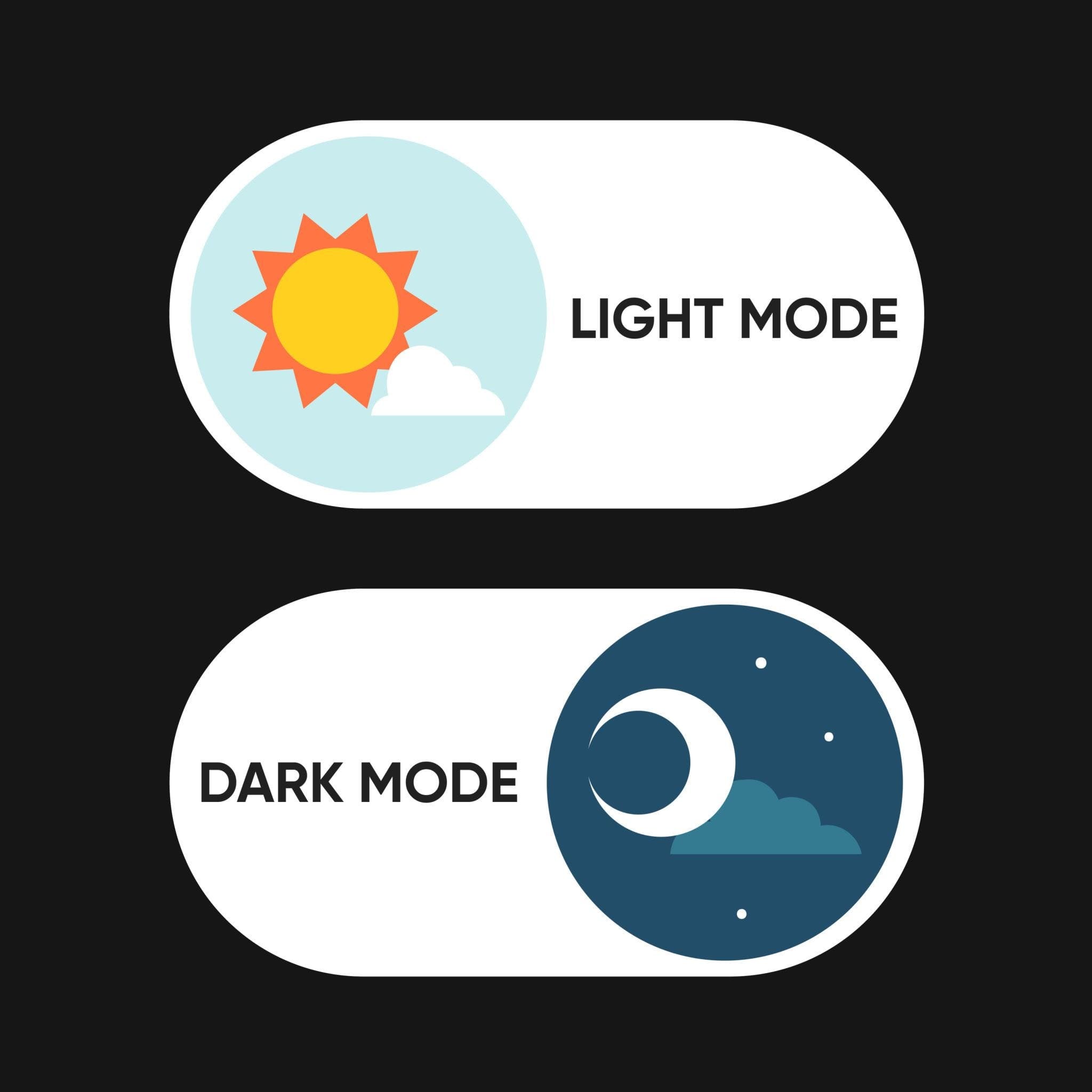
When user clicks toggle:
DOM Role:
Modify styles or classes of elements dynamically.
| document.body.classList.toggle("dark-mode"); |
Interview Line:
“DOM allows dynamic style changes like switching between light and dark themes.”
If asked in interview:
“What is DOM?”
Best answer:
“DOM is a tree-like representation of an HTML document that allows JavaScript to dynamically access and manipulate webpage elements.”
Top Tutorials

CNN in Deep Learning 2026
A beginner-friendly guide to CNNs: understand deep learning essentials, create Python-based models, and explore advanced applications.

Breaking The Limits: Scaling Databases with MySQL Partitioning
Learn MySQL partitioning with examples. Improve query performance, scalability, and data management using RANGE, LIST, HASH, KEY, and composite techniques.

ML in Action: Hands-On Guide to Deploying and Serving Models
Learn model deployment and serving—from concepts to real-world architectures, tools, APIs, containers, and cloud workflows for production-ready ML.

 in Bengaluru, India



All Courses (6)
Master's Degree (2)
Professional Certifications (4)
Ideal for working professionals and graduates
Outcomes: 5-40 LPA Job + Masters Degree

 What is the DOM?


 in Bengaluru, India